
Did you know? Managing your SIBA email
Date postedMarch 31, 2026
SIBA sends out a variety of email newsletters to its members. You can control which newsletters you want to receive right from your Member Compass.
From your Member Compass page, select "Profile" on the left menu. Scroll down to "Email Lists Opt Out":
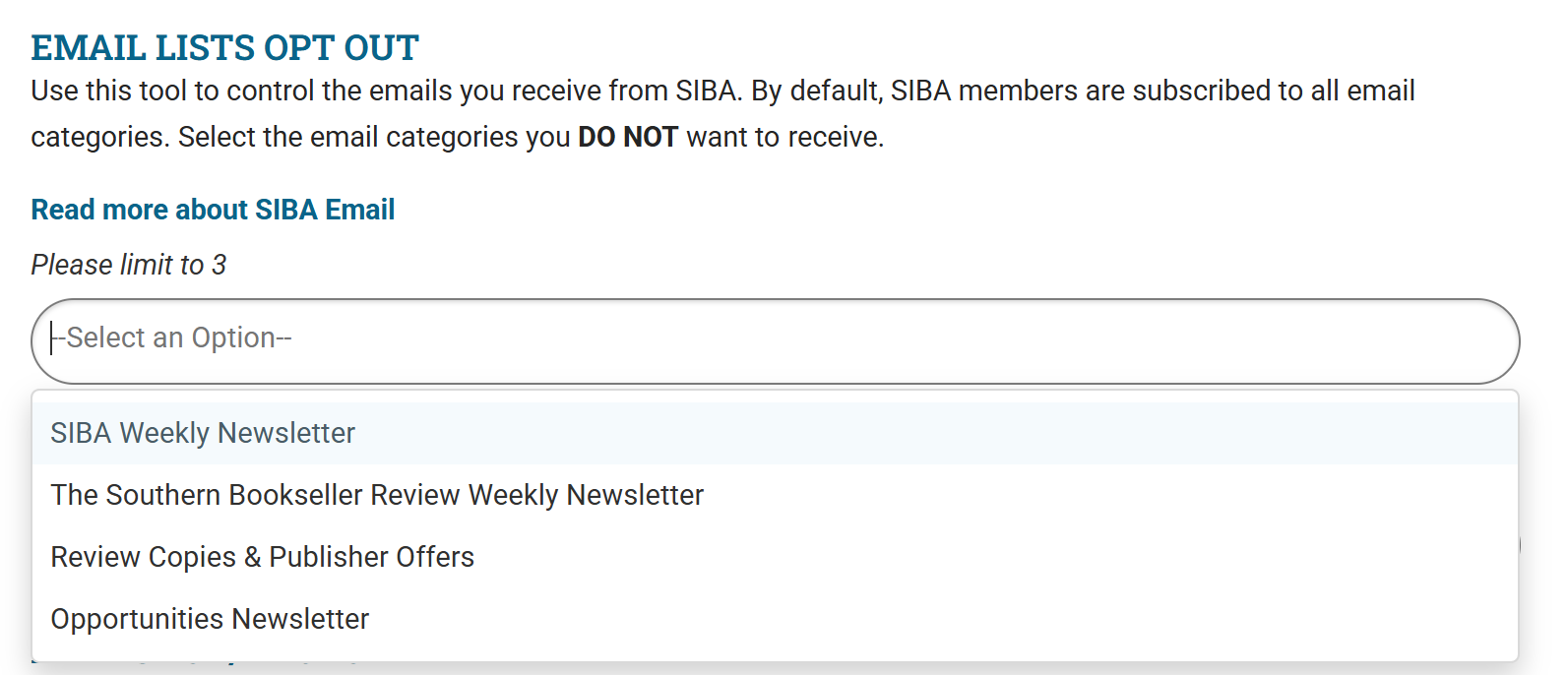
Select any of the newsletters you don't want to receive, and you will be removed from the email list. You can read more at SIBA and Email: Managing the email you receive from SIBA.
If you have any questions about your account or email subscriptions contact Nicki Leone.